01Why design comes before development
Good design is not decoration. It decides whether people can complete their tasks quickly and without mistakes. When software is hard to use, staff avoid it, customers abandon it and support calls increase. Designing user flows and screens before development also prevents expensive rework, because problems are found on a wireframe rather than in finished code.
02What we design
- User flows mapping how each type of user completes key tasks.
- Wireframes for layout and content before visual design.
- UI design for websites, web apps, mobile apps and dashboards.
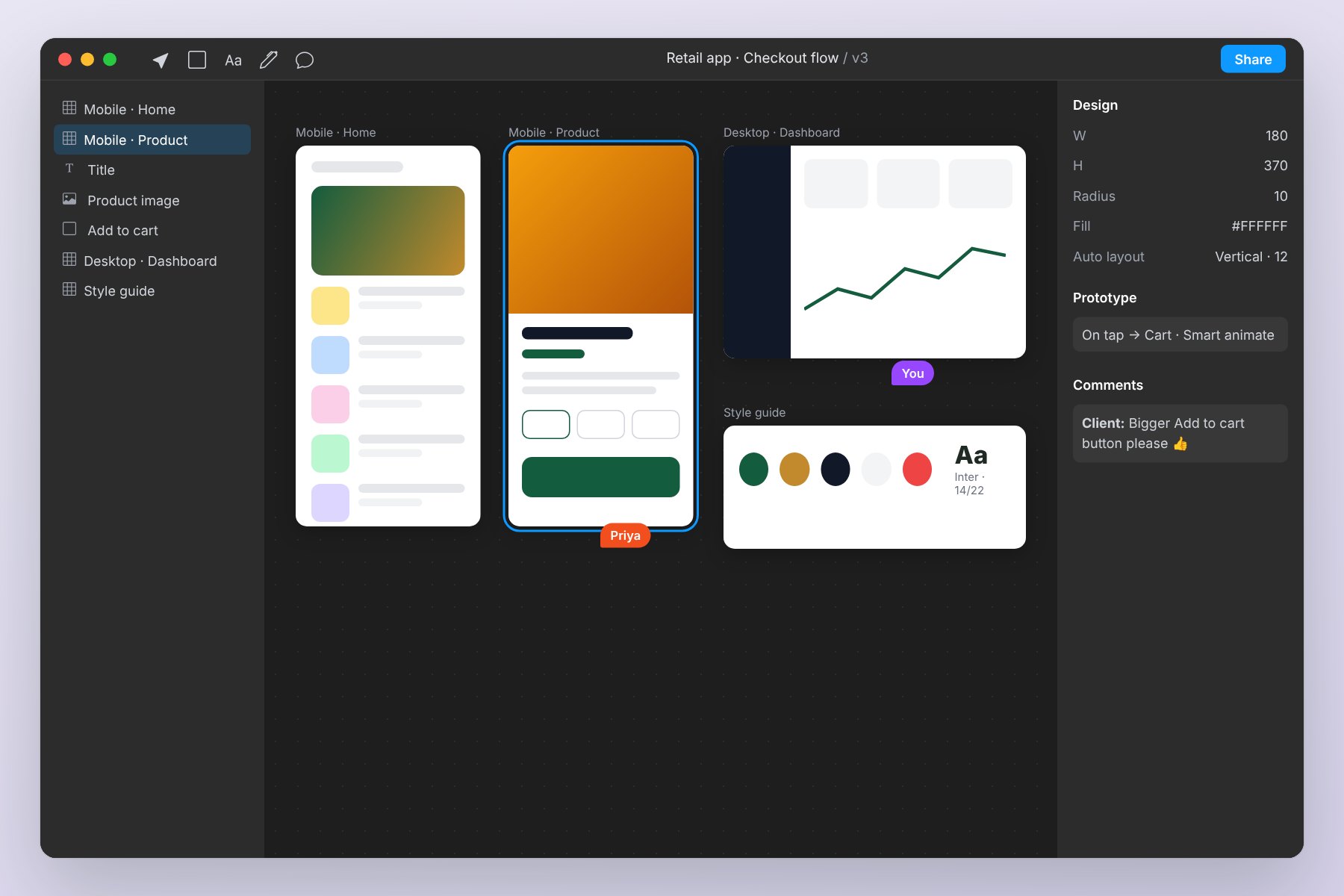
- Prototypes you can click through and test with users.
- Design systems with reusable components, colours and typography.
- UX reviews of existing software with prioritised improvements.
03How we deliver
We start by understanding your users, their tasks and your business goals. Then we map flows and create wireframes for review. Once the structure is agreed, we produce visual designs and a clickable prototype. Finally, we hand over designs and a component library to developers - ours or yours - and support them during build.
04What affects cost and timeline
The number of screens and user types, whether research and testing with users is included, the need for a full design system, and the number of platforms all affect effort.
05Common use cases
Typical projects include new product design for start-ups, redesigns of older business software with low adoption, dashboard design for management reporting, and website UX improvements to increase enquiries.
06Mistakes to avoid
Avoid designing without understanding real users, adding every feature to one screen, and skipping a prototype review. We keep screens focused, test flows early and document decisions for developers.
07Accessibility and consistency
Good design works for everyone. We follow accessibility basics such as readable contrast, clear focus states, adequate touch targets and meaningful labels, which also make interfaces easier for all users. A shared design system keeps buttons, forms, tables and colours consistent across every screen, so new features feel like part of the same product and developers build faster.
Where possible we test key flows with a few real users before development, because watching someone use a prototype reveals problems that internal reviews miss.
Design handoff matters as much as the design itself. Developers receive annotated screens, spacing and colour tokens, exportable assets and notes on interactions such as hover states, errors and empty screens. We stay involved during development to answer questions and review the built screens, so what goes live matches what you approved.
After launch, simple analytics and user feedback show where people still hesitate or drop off, giving a clear, evidence-based list of the next refinements to make.
08Rollout, training and long-term care
Launching ui/ux design is the start of the journey, not the end. Every project includes a planned rollout: we agree which users and processes go first, prepare clear guides and walk each team through the screens they will use every day. Typical deliverables include user flows and information architecture, wireframes for key screens, high-fidelity UI designs, so nothing important is left undocumented.
After go-live we stay available for questions, fixes and improvements. Our AMC and maintenance plans cover updates, monitoring and small enhancements, and we review usage with you periodically to recommend the next most valuable step. This steady, phased approach keeps risk low and makes sure the solution continues to match how your business works as it grows.
09Do you need UI/UX design?
- Users find your software confusing.
- You are building a new product and want to get it right first time.
- Your dashboards are hard to read.
- Your website gets visits but few enquiries.
10Why choose JMDA for UI/UX Design
JMDA Analytic Pvt Ltd brings 18+ years of industry experience - 13 years as a service provider, 4 years as a proprietorship and now as a private limited company - and more than 200 completed projects for Indian and international clients. That experience matters for ui/ux design, because most problems are not purely technical: they come from unclear requirements, changing priorities and systems that were never designed to work together.
For this service we typically work with start-ups building a new product, businesses redesigning old software, teams with low user adoption and websites with low enquiries. Our team understands how these businesses operate day to day, which helps us design features such as user flows, wireframes, ui design around real workflows rather than assumptions. Because our developers, designers and project managers work together from our office in Goregaon West, Mumbai, you always have a direct line to the people building your solution.
Three principles guide every engagement:
- Clarity before code. Discovery and Design come first, so you approve screens and receive a fixed quote before development begins.
- Visible progress. You see working software at the end of every sprint and can change direction early, when it is still inexpensive.
- Long-term partnership. After go-live, our AMC and maintenance plans keep your ui/ux design secure, fast and aligned with how your business grows.
We are also comfortable working with what you already have. If you use Tally, an existing CRM, a legacy database or third-party tools, we plan integrations and data migration during Discovery so nothing important is lost. And if a ready-made product would serve you better than a custom build, we will tell you honestly.
The easiest way to find out whether we are the right partner is a free, no-obligation consultation. Share your requirement through the quote form or WhatsApp, and we will come back with practical questions, a suggested approach and an estimate of the next steps.