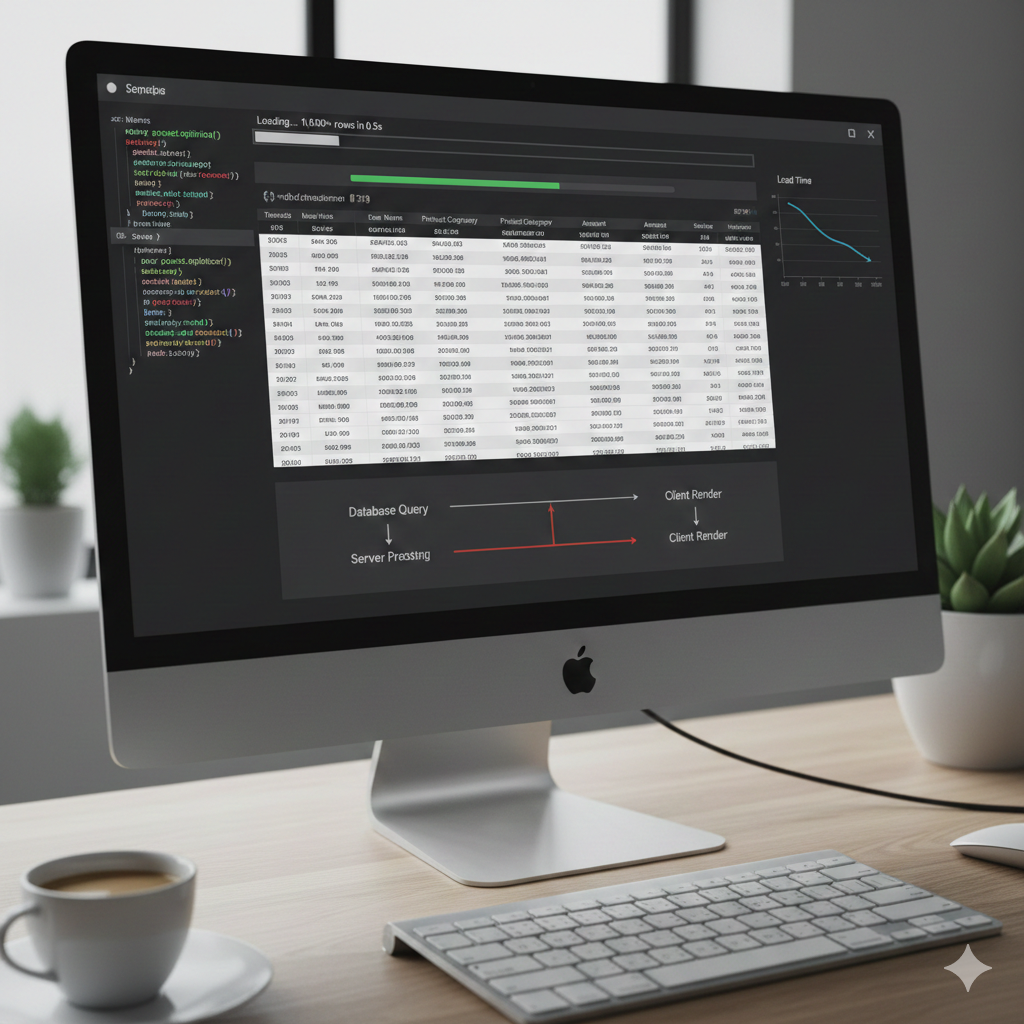
If You’Ve Ever Worked With Large Datasets In A Web Application, You Already Know The Pain. Everything Feels Smooth With 1,000 Records… And Then Suddenly You Cross 20,000+ Rows And Boom 💥—The Page Loads Forever, Users Complain, And You Start Questioning Your Life Choices.
I Faced This Exact Issue While Working On A Django-Based Customer Management System. A Simple Customer List Turned Into A Performance Nightmare. The Fix Wasn’T Magic—It Was About Understanding How Datatable Actually Works And Using It The Right Way.
Let Me Walk You Through It In Plain, Human Language, Using A Real Working Example From My Project.
Why Datatable Becomes Slow In Real Projects
Most Developers Start With Client-Side Datatable Because It’S Easy. You Fetch All Records, Throw Them Into Html, And Datatable Does Sorting, Searching, And Pagination In The Browser.
That Works Fine… Until Your Table Grows.
When You Load 26,000+ Rows:
- Browser Memory Spikes
- Javascript Struggles With Filtering
- Dom Rendering Becomes Painfully Slow
👉 The Core Mistake: Loading All Data At Once
The Real Solution: Server-Side Processing
To Make Datatable Faster, The Biggest Performance Boost Comes From Server-Side Processing.
Instead Of Sending All Records:
- Send Only 10–25 Rows Per Request
- Let The Database Handle Searching, Sorting, And Pagination
- Return Data As Json
This Is Exactly What We Did In Our Django Project.
Django Server-Side Datatable: The Right Approach
Here’S What Changed The Game For Us.
1. Stop Querying Everything
Instead Of:
Python
Clientdetails.Objects.All()
We Use:
Python
Qs = Clientdetails.Objects.Select_Related('State')
✔️ This Avoids Extra Database Hits ✔️ Faster Joins ✔️ Cleaner Queries
Seo Keyword: Django Select_Related Optimization
2. Pagination At Database Level (Not Browser)
Datatable Sends Parameters Like:
StartLengthSearch[Value]
We Used Them Directly In Django:
Python
Start = Int(Request.Get.Get('Start', 0))
Length = Int(Request.Get.Get('Length', 10))
Then Sliced The Queryset:
Python
Qs.Order_By('-Id')[Start:Start+Length]
✔️ Only Required Rows Are Fetched ✔️ Huge Performance Improvement
Seo Keyword: Server Side Pagination Datatable
Smart Searching Without Killing Performance
Searching Is Where Most Apps Slow Down.
Instead Of Looping In Python, We Used Database-Level Filtering:
Python
If Search:
    Qs = Qs.Filter(
        Q(Name__Icontains=Search) |
        Q(English_Name__Icontains=Search) |
        Q(Phone_No__Icontains=Search) |
        Q(Address__Icontains=Search)
    )
✔️ Database Does The Heavy Lifting ✔️ Faster Search Even With Thousands Of Records
Seo Keyword: Django Datatable Search Optimization
Why Recordstotal And Recordsfiltered Matter
Datatable Needs These Two Values:
Python
Total = Qs.Count()
Filtered = Qs.Count()
If You Skip This Or Calculate It Incorrectly:
- Pagination Breaks
- Datatable Shows Wrong Results
- Ui Becomes Buggy
This Small Detail Makes Your Datatable Feel Professional And Reliable.
Frontend Configuration That Actually Helps Speed
Your Javascript Setup Also Matters.
Javascript
$('#Cutomer').Datatable({
    Processing: True,
    Serverside: True,
    Searching: True,
    Pagelength: 10,
    Lengthchange: False,
    Ajax: {
        Url: "/Datatable/",
        Type: "Get"
    }
});
Key Performance Settings:
Serverside: True→ MandatoryPagelength: 10→ Fewer Records Per LoadLengthchange: False→ Avoids Heavy Redraws
Seo Keyword: Jquery Datatable Performance Tuning
Index Your Database (Most People Forget This)
Even Perfect Code Will Be Slow Without Database Indexing.
Fields Like:
NamePhone_NoCityPincode
Should Have Indexes If They’Re Searchable.
Example:
Python
Phone_No = Models.Charfield(Max_Length=15, Db_Index=True)
This Alone Can Reduce Query Time By 50–70%.
Seo Keyword: Database Indexing For Datatable
Html Matters Too (Yes, Really)
Your Table Structure Should Be Clean And Minimal:
- Avoid Unnecessary
<Td>Logic - No Inline Heavy Javascript
- Icons Instead Of Text For Actions (Edit/Delete)
Less Dom = Faster Rendering.
Final Results After Optimization
Before:
- Page Load: ❌ 12–15 Seconds
- Browser Freeze: ❌ Yes
- User Complaints: ❌ Many
After:
- Page Load: ✅ Under 1 Second
- Smooth Pagination: ✅
- Happy Users: ✅
And The Best Part? The Code Became Cleaner And Easier To Maintain.
Final Thoughts
Making Datatable Faster Isn’T About Hacks. It’S About Respecting Scale.
If Your Data Can Grow:
- Use Server-Side Processing
- Push Work To The Database
- Send Only What The Browser Needs
Do This Right, And Datatable Will Stay Fast—Even With 50,000+ Records.